Stop Waiting for 3D Interior Rendering Services: Try 2 Hours
Waiting two weeks for a single render? Finish it within 2 hours. Get pro-level quality and cut annual costs by 95%. We compared three tools.

This applies to any field—furniture, home décor items, interior installation, remodeling, building materials sales, and more.
“What if I regret buying the wrong thing?” → “This would look great in our home. I feel reassured.”
That’s how the thought process shifts naturally. For this reason, more companies are looking for 3D Interior Rendering Services—turning to 3D rendering professionals. But when you use these services, you’ll often feel both the advantages and the drawbacks at the same time.
What’s disappointing about typical 3D Interior Rendering Services
Have you ever used a company where a person creates 3D renders for you? Because it’s done manually by a designer, the quality can be very high. However, there are also clear downsides.
- The timeline can be extremely long—sometimes up to a month. That’s a disadvantage for anyone on a tight schedule. In some cases, people even pay extra to the vendor to speed things up.
- This varies by provider, but you may have to pay additional fees when you request revisions. Even asking for a single revision can feel financially burdensome.
- It’s hard to update estimates or configurations in real time. It becomes a repeated cycle of requesting edits and waiting.
“Still, the quality humans deliver is so good… there’s nothing we can do.”
Even so, many people accept all the other disadvantages for one benefit: high quality. Professionals handle every step with care—projection, clipping, hidden-line removal, shading, and more. That craftsmanship is exactly why their output looks so polished.
Of course, there are also tools on the market that let you create 3D interior renders yourself. But their quality is often significantly lower than human-made renders. They can look unrealistic, or the graphics may feel noticeably cheap. You end up with something that doesn’t feel real.
“No matter what, humans are still better. Isn’t that just marketing?”
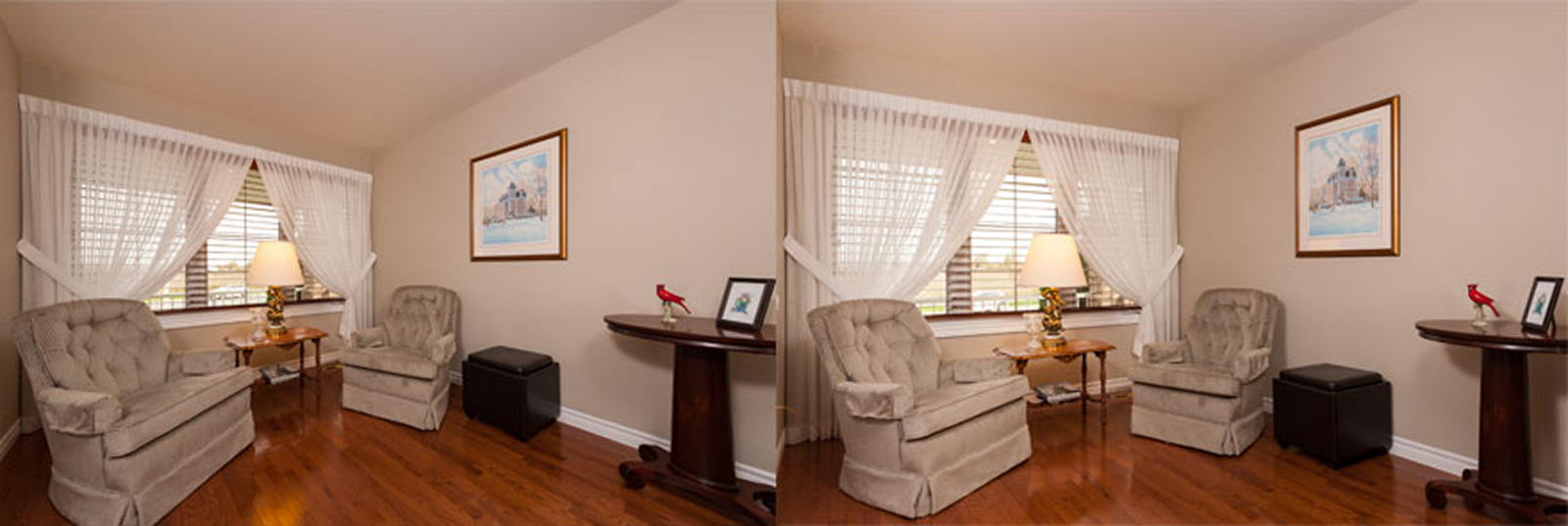
If you’ve had doubts like that, the images below may change your perspective.
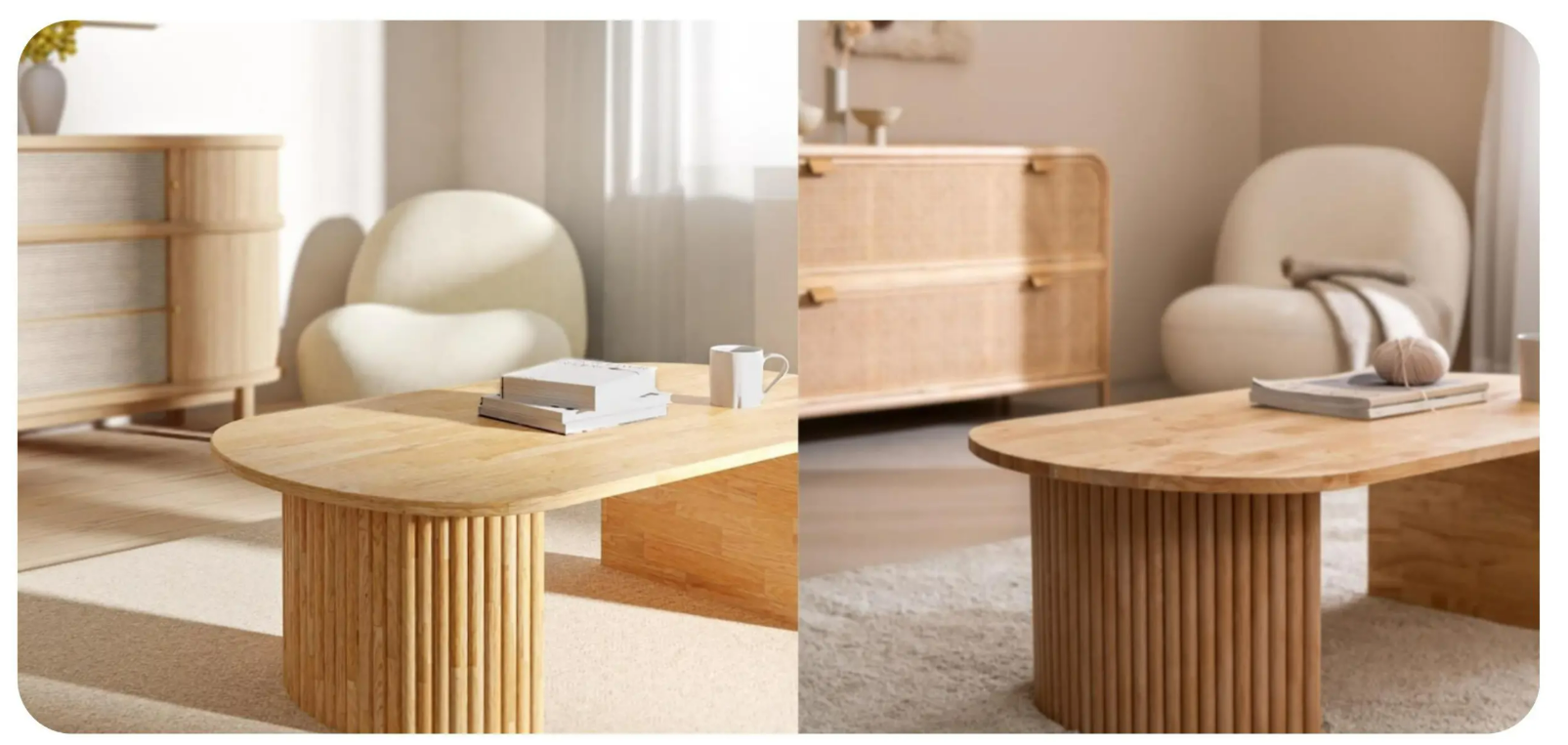
One image is a real photo, and the other is a render shot created with a 3D rendering tool. Did you notice a clear difference between the two? There’s barely any difference. It feels like the real scene was simply recreated. Technology has advanced that far.
So yes—choosing 3D interior rendering services where a person renders everything for you can be a good option. But it’s also worth exploring tools that render automatically while staying fast and high-quality. Now, let’s take a closer look at the benefits you can get from using these tools.
What should you consider when choosing automated 3D interior rendering services? Two key criteria.
1) Is the lighting, shadow, and material expression natural?
This is one of the most important factors that determines rendering quality. The same space can feel completely different depending on the time of day, weather, and lighting conditions. You should check whether the tool can realistically reflect these variations in its renders.
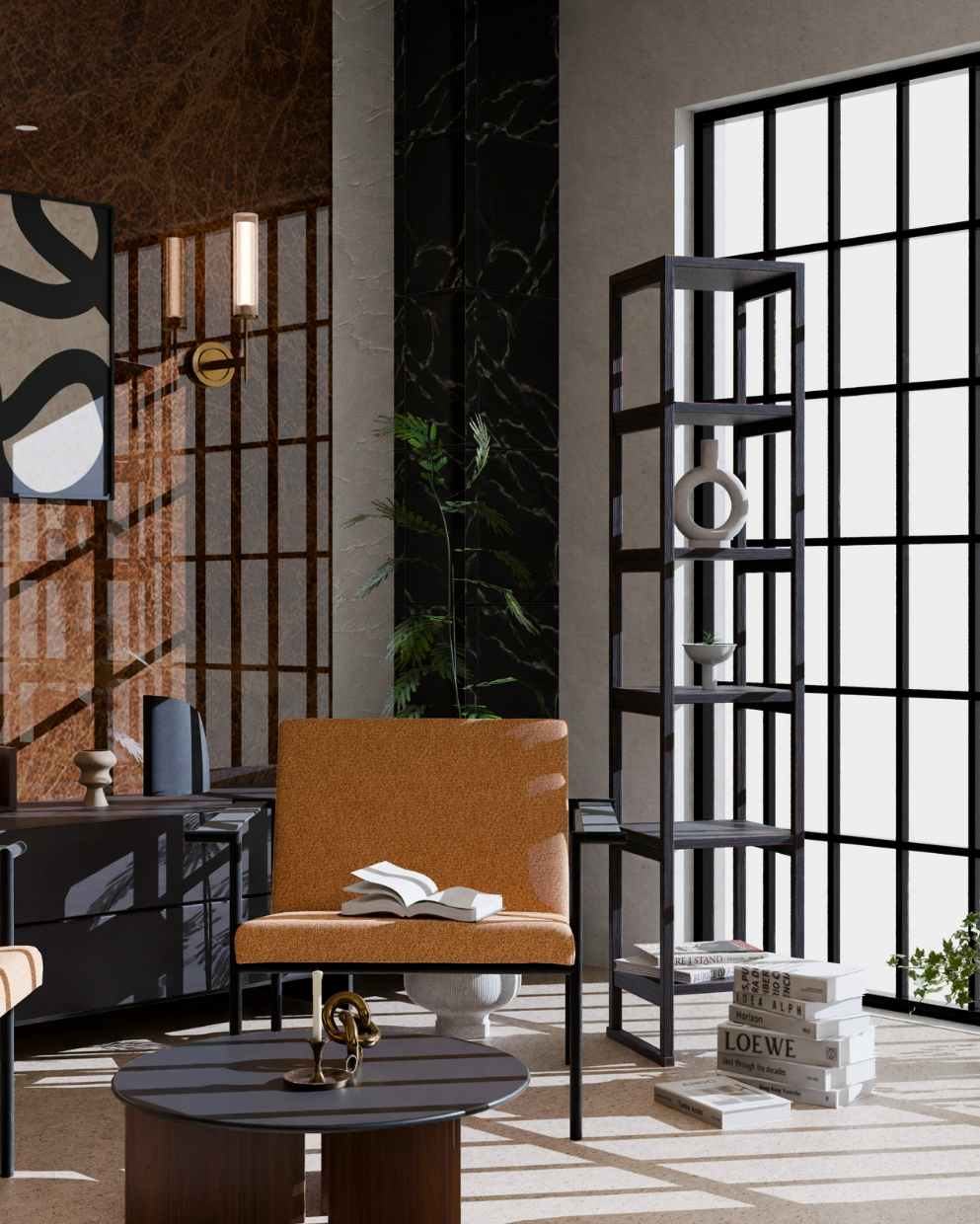
The same goes for materials. The cold, smooth texture of marble, the warm grain of natural wood, the soft feel of a fabric sofa—how delicately these details are expressed in the rendering has a major impact on the customer’s purchase decision. When reflections under light and the way shadows form feel true to life, customers can clearly imagine, “What would this look like in our home?”
2) Are the actual space and product dimensions free from distortion?
Have you ever seen photos like this? They’re taken to make a space look larger, but because an ultra-wide lens is used, the image appears unrealistic. This kind of distortion is more common than you might think.
Exaggerated compositions may look appealing at first. However, from the customer’s perspective—if they purchase based on these images—it can feel misleading to customers. This applies to any product or service, and in real-world projects, these issues occur frequently.
- Building materials companies: When tiles or flooring are shown through distorted renderings, the pattern or grout spacing can look different after actual installation. Customers then complain, saying, “This isn’t what I expected.” That’s how disputes begin.
- Interior design firms: If renderings make a space look larger than it really is, customers may complain after completion, saying, “The space feels smaller than I thought.” In severe cases, this can even lead to rework. The cost and conflict can escalate quickly.
- Furniture brands: What if a sofa or bed looks smaller or larger than it really is? Customers start worrying, “Will this even fit in the room?” or “This takes up way more space than I expected…” In the end, they abandon the purchase altogether.
That’s why, even with 3D rendering, you need to choose a tool that delivers realistic results without distortion. You should check whether it avoids excessive wide-angle perspectives and allows precise control over dimensions and spacing. Accuracy is not optional—it’s essential.
Comparing 3D interior rendering tools: 3 options
There are two main ways to evaluate rendering quality. Each approach reveals different strengths and limitations.
The best way is to try the service yourself. In many cases, creating the design is free during a trial, though some rendering costs may apply. We’ll explain the pricing for each tool in more detail below. This method lets you directly assess lighting and material quality, distortion, and overall workflow speed.
Another approach is to check each tool’s website community. Many users upload their own results, which allows you to review lighting, material expression, and distortion. However, it’s hard to truly understand the working speed without hands-on experience. That’s the key limitation of this method.
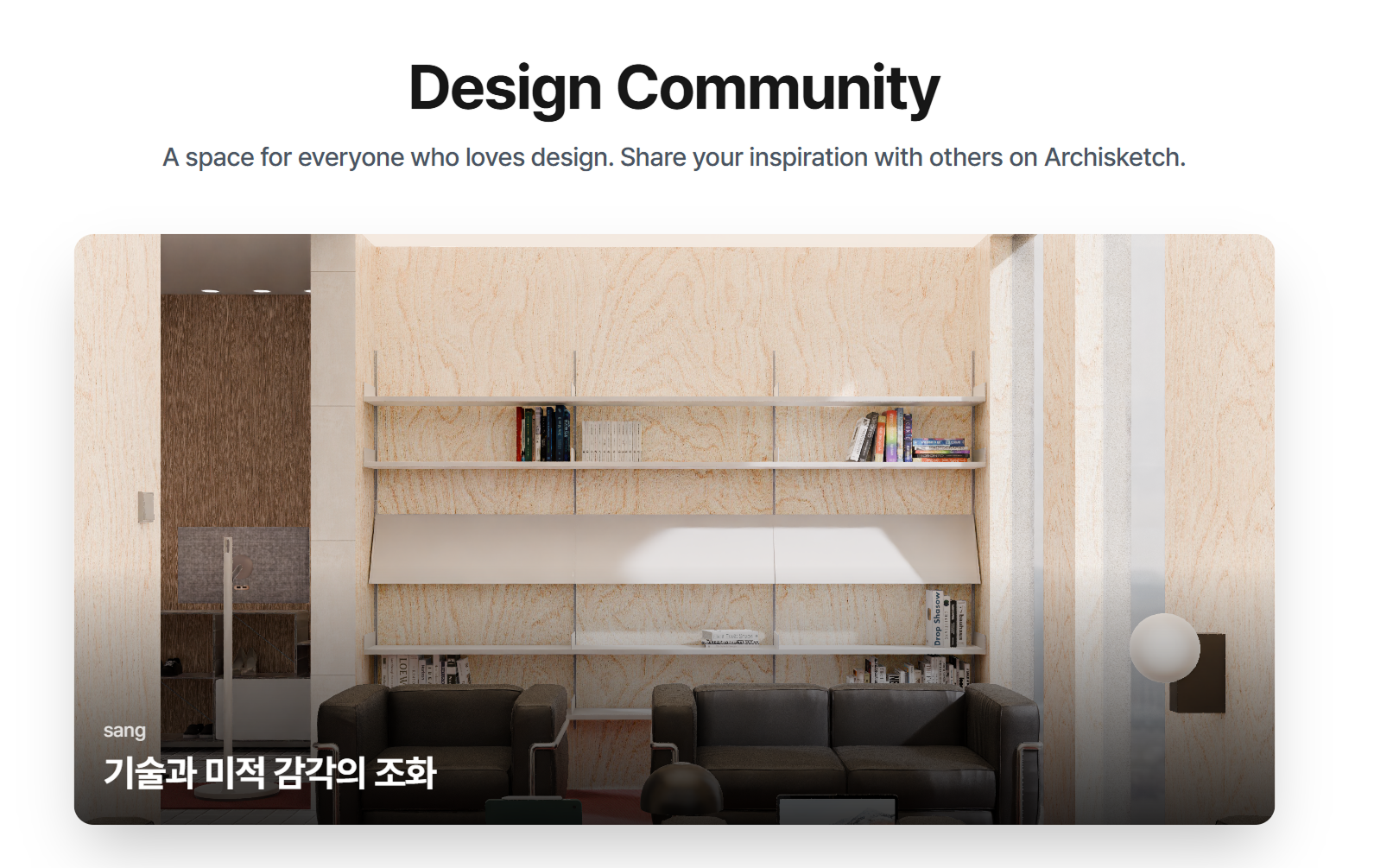
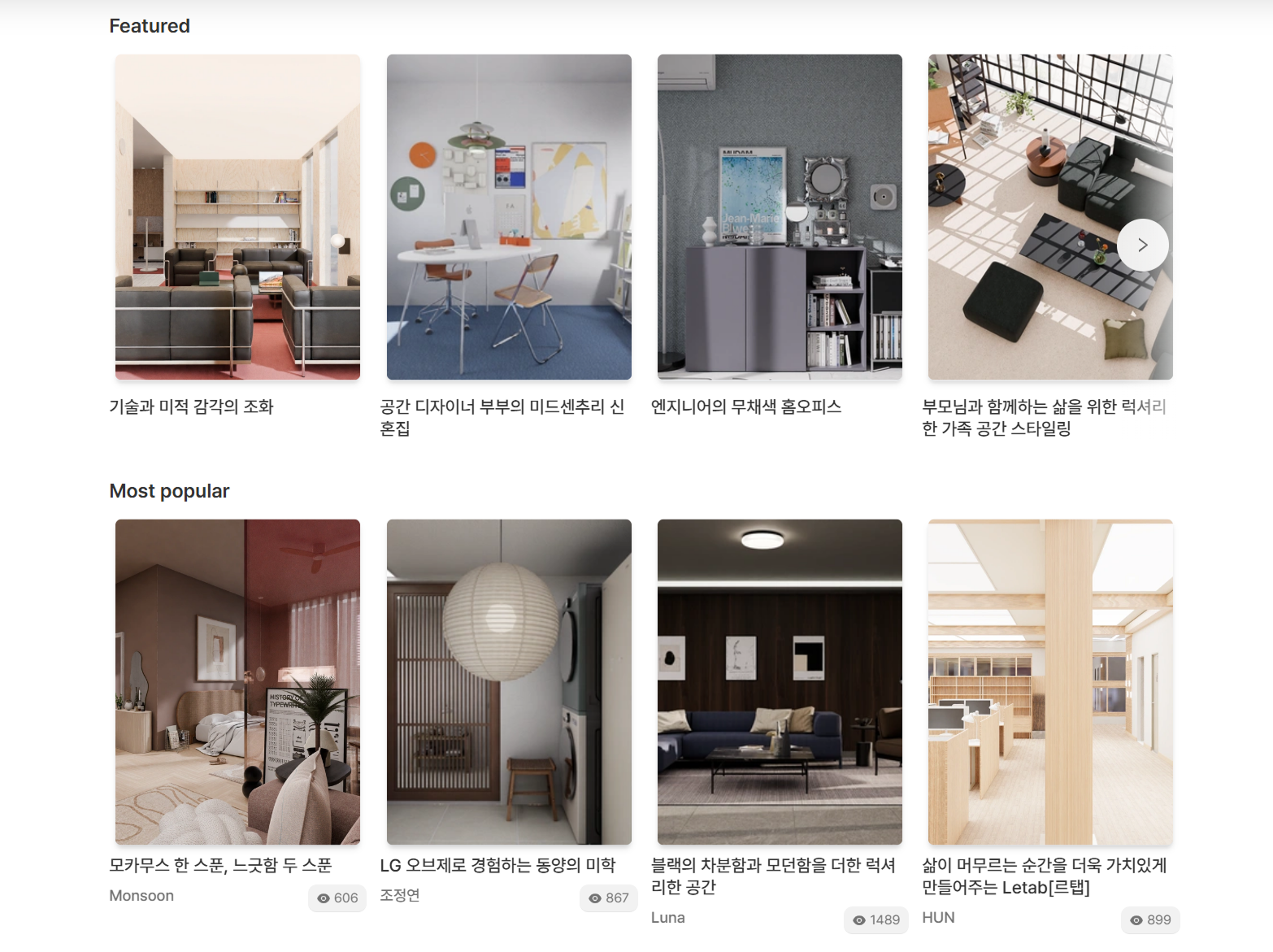
Then, by directly trying all three services and browsing their communities, let’s take a closer, side-by-side look at these three tools. Hands-on experience and real user results tell you more than specs alone.
1) SketchUp V-Ray
- This is a rendering tool designed for SketchUp users. You can use it by linking it directly with SketchUp. It works as an add-on that enhances SketchUp’s native capabilities.
- V-Ray is a professional rendering engine for SketchUp that uses physically based rendering to produce results that are close to real life, with accurate lighting, materials, and reflections. It’s known for its technical depth and realism.
- Because it’s an engine designed for photorealistic rendering, it delivers realistic results without distortion. The output aims to match real-world visuals as closely as possible.
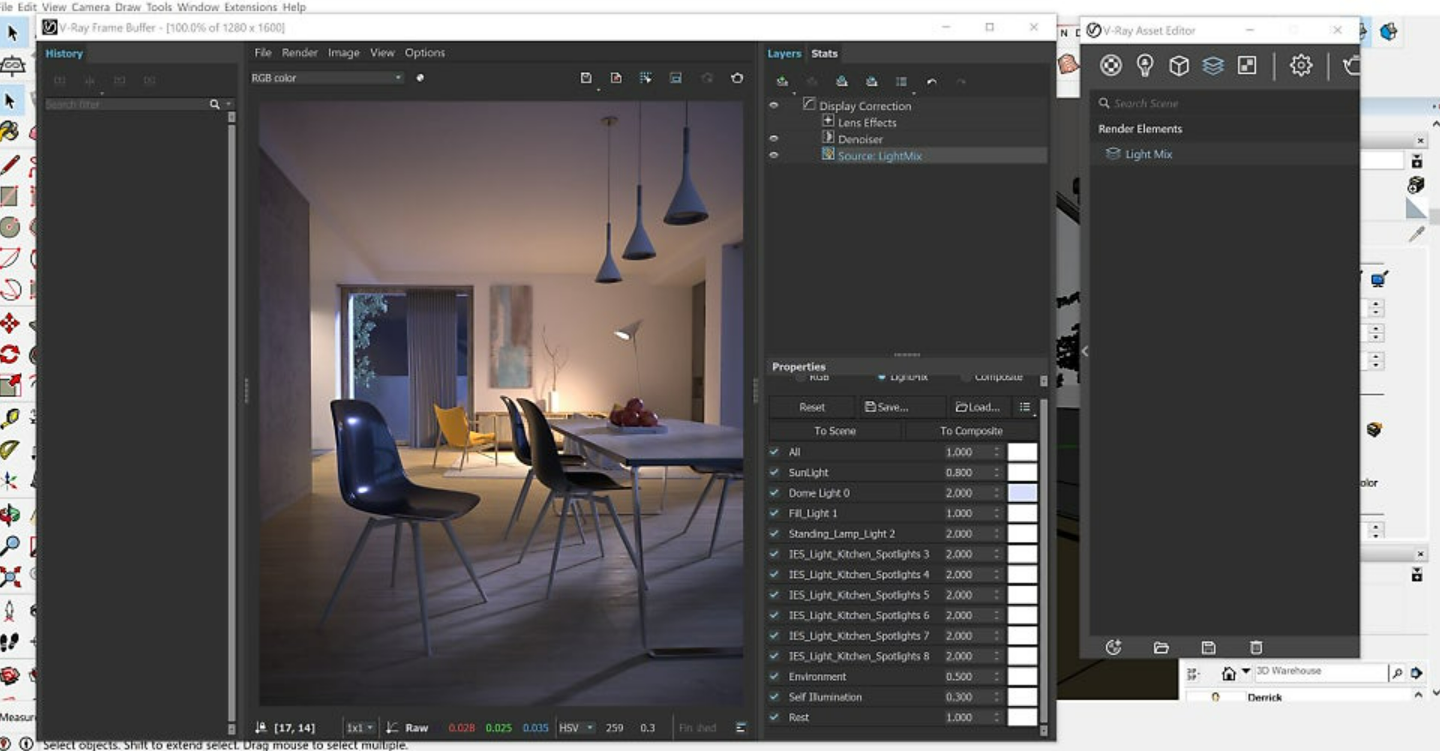
- A 30-day free trial is available. During this period, you can use it freely, but after the 30 days end, only paid plans are available. You can subscribe monthly or annually. Note that V-Ray is a separate plugin—you must purchase both SketchUp and V-Ray.
- SketchUp has many strengths, but it also has drawbacks. For those without a relevant background, the barrier to entry is very high when starting rendering for the first time. It also takes quite a long time to learn. For beginners who need to use it immediately in real projects, it may not be the best fit.
2) Planner 5D
- It provides lighting and shadow features, but not at the level of precision offered by professional rendering tools. While some tools support up to 16K resolution rendering, Planner 5D only goes up to 4K. As a result, fine details may look blurred, and materials can appear flat.
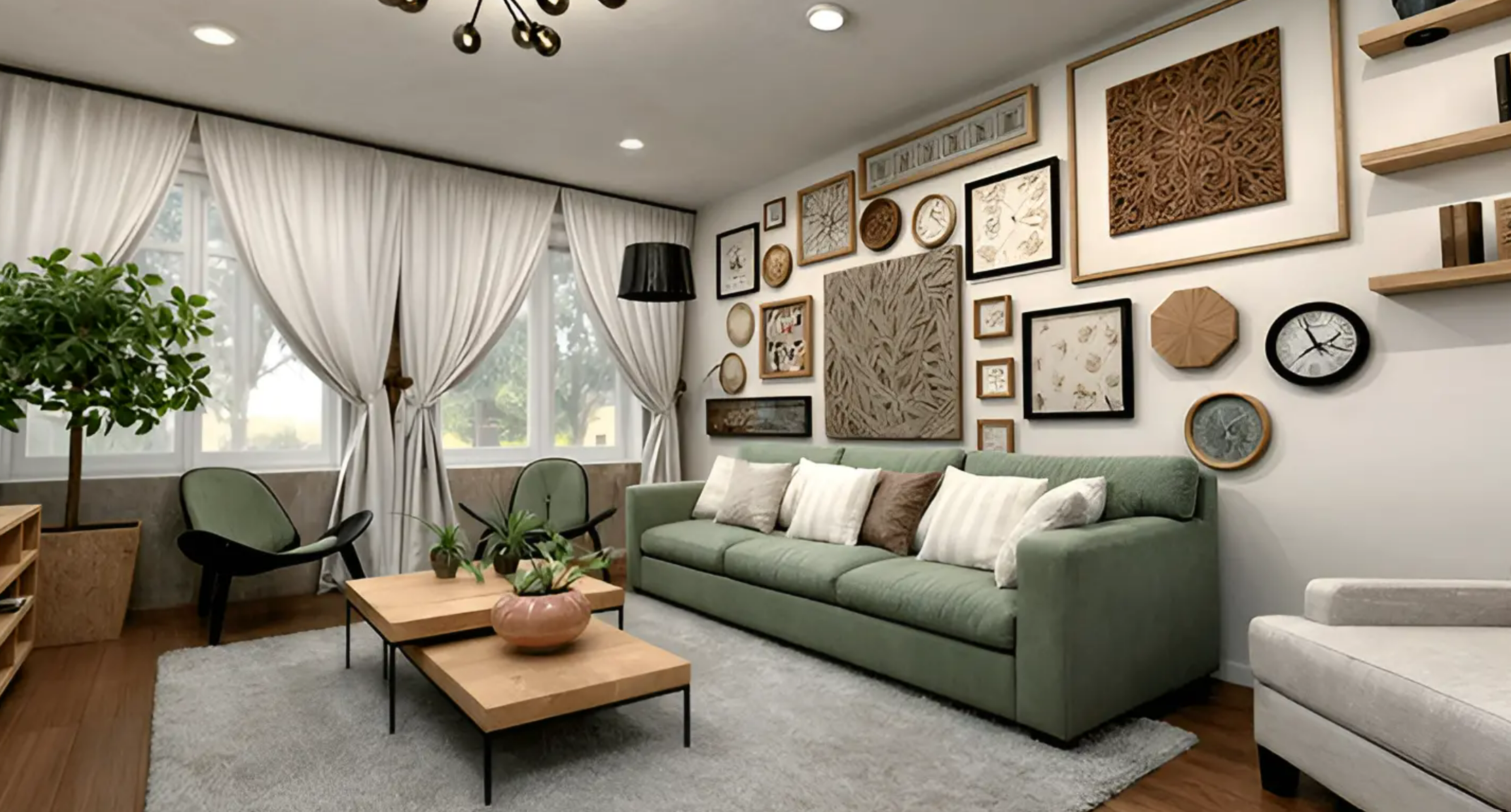
- Planner 5D is web- and app-based, and its basic features are free. However, if you want more design elements or commercial usage, a premium subscription is required. The pricing structure is simple, but advanced use comes at a cost.
- The barrier to entry is low. Compared to SketchUp, it’s easier to use. That makes it suitable even for individuals or small teams trying 3D rendering for the first time. Ease of use is its biggest advantage.
3) Archisketch
- Archisketch delivers high-quality rendering based on AI and 3D technology. It supports up to 16K resolution, so images remain sharp even when zoomed in. High resolution ensures professional-grade visuals.
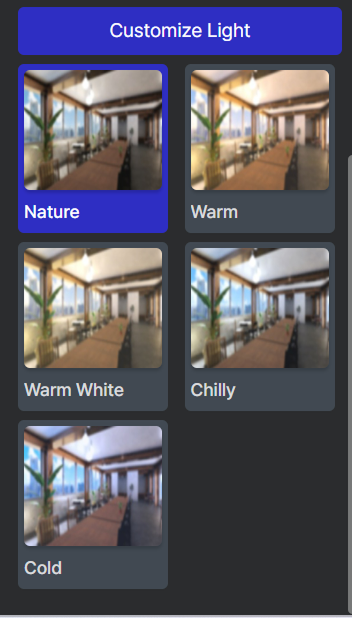
- It also allows you to finely control lighting and material expression directly on the rendering page. Morning sunlight, warm evening mood lighting, or soft illumination on a cloudy day—various time-of-day scenes can be created easily. You can even change lighting colors with just a few clicks.
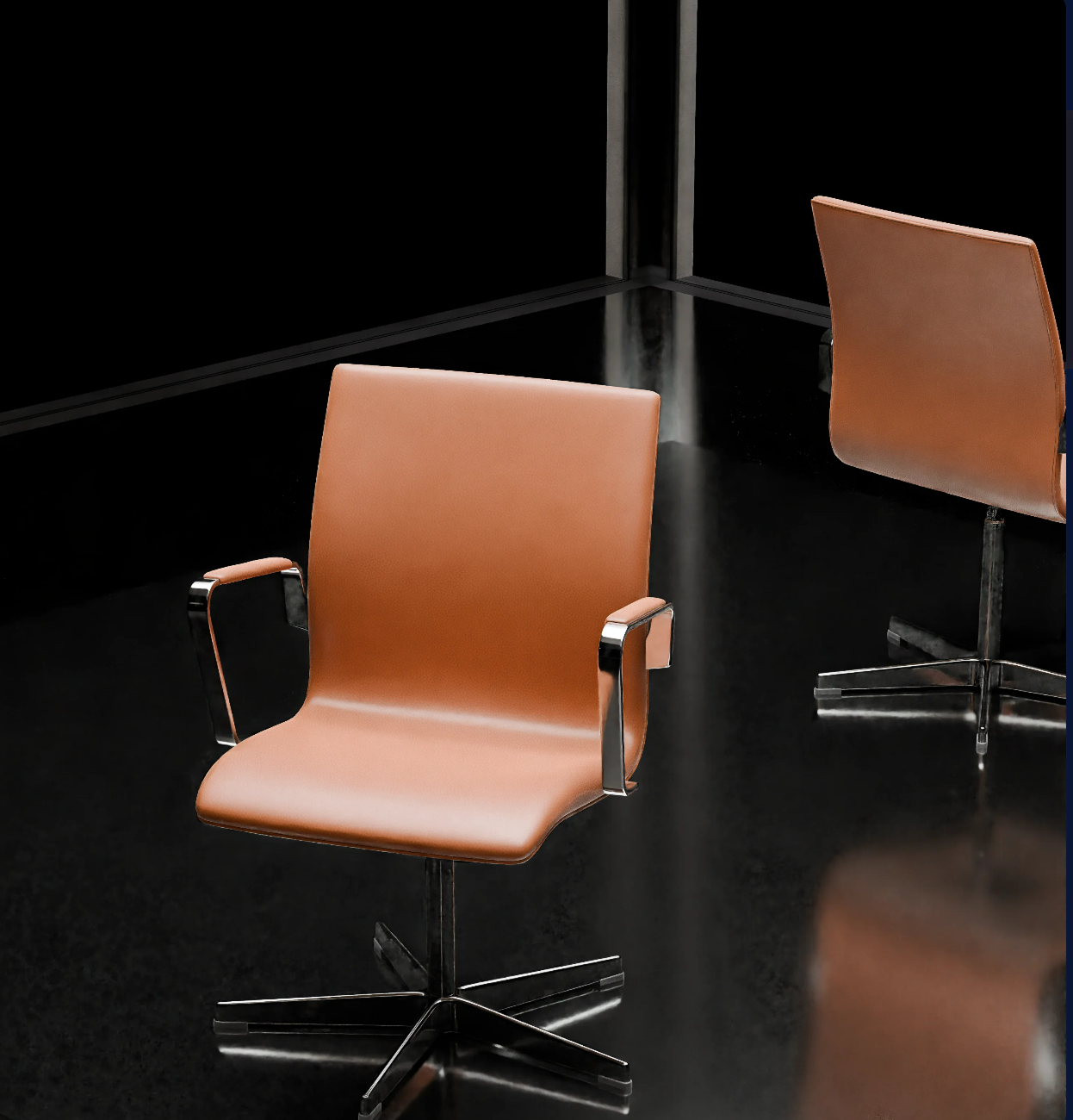
- The gloss of marble, the grain of natural wood, and the texture of fabric are all expressed in a natural, realistic way. Material realism plays a key role in building trust.
- There is no distortion, and everything looks natural. You can adjust the field of view to match the customer’s eye level. This helps customers intuitively understand, “This is exactly how it would look if I were standing here.”
- Rendering takes up to two hours. Thanks to AI-based automation, tasks that once took days of manual work can now be completed in as little as two hours. Shorter rendering time means more images at a lower cost.
- Some furniture brands even choose 3D rendering instead of studio product photography. As you’ve seen in the images above, the quality is comparable to photos taken by professional photographers. That’s how far rendering technology has come.
- Offline photo shoots usually cost around $7,000 per year. With Archisketch’s 3D rendering, the annual cost is about $740. That’s a 90% cost reduction. See the table below for a side-by-side comparison.
- It’s easy to use even if you’re not an expert. You don’t need complex 3D modeling knowledge—anyone can learn it quickly through an intuitive interface. At the same time, it delivers professional-level quality. It’s a tool that satisfies both beginners and experienced users.
Which 3D rendering tool truly helps your business?
SketchUp V-Ray offers expert-level quality but comes with a high learning curve and slower workflows. Planner 5D is easy to use, but its quality limitations are clear. Archisketch, on the other hand, delivers speed, professional quality, and ease of use—all at once. You no longer have to compromise.
We especially recommend Archisketch for:
- Interior and furniture sales teams that need to show customers multiple options quickly
- Small furniture, interior, or construction companies that must maximize marketing impact with limited budgets and manpower
- Industry professionals who are new to 3D rendering but need to apply it immediately in real work
- Furniture companies that want to cut annual product photography costs from nearly $7,000 down to around $740
“How would our product or service look in the customer’s space?”
The fastest, most accurate, and most cost-effective way to answer that question—that’s Archisketch. Try Archisketch for free before you decide.
After the free trial, if you think, “I’d like to introduce this to our company,” contact Archisketch. We’ll guide you on how to use it to its full potential so your investment is truly worth it.
Want to introduce a 3D interior rendering tool to your business?